
This article is not about productivity.
I though I was working from home, but then realized I was just sleeping at the office.
I can’t remember who wrote this or where I read it, but I clearly remember reading and appreciating it during the pandemic. We’d already known that “multitasking” was bad for productivity, but boundary-less remote work taught us that it can be bad for happiness as well. Instead of 40-ish hours of work a week, we ended up with 120-ish hours of half work.
Mentally (and of course administratively) I want to be meticulous about time, so I’ve tried several timeclock apps. They all have the same problem: blurry lines. It is easy to forget to clock in and very easy to forget to clock out. Worse, when you do remember, there is so much friction that you end up “borrowing” from other projects and keeping the real timeclock in your head. At the end of the day or the end of the month, you must then hold a debate between your notes, your memory, and your assumptions to figure out when went where. Often, you’ll feel like one side was cheated and perhaps stay up past midnight trying to pay it back for free (or so I’ve heard).
So, I wrote my own timeclock with a few features and habits that help a lot.
-
I rarely clock out unless I’m walking away from my computer. Instead, I clock in to something else. If I am working on a project for Acme Corp and decide that I need to (or would rather) work on something else, I clock into something else. When I clock into something else, all other timeclocs are automatically clocked out. That also gives me a great idea how much time I’m spending on work-like-activities that don’t pay (checking e-mails, posting on LinkedIn, writing proposals, alpha reading for friends, feeding my bots, yak shaving, writing timeclock scripts, …).
-
Brief timeclock intervals are ignored. If I clock in or out for less that 5 minutes, the timeclock ignores that period. This gives me “permission” to clock out to go pour a cup of coffee or clock in to write an e-mail. If one of those 2-minute diversions turns into a 2-hour campaign, I don’t have to fix my clock later.
-
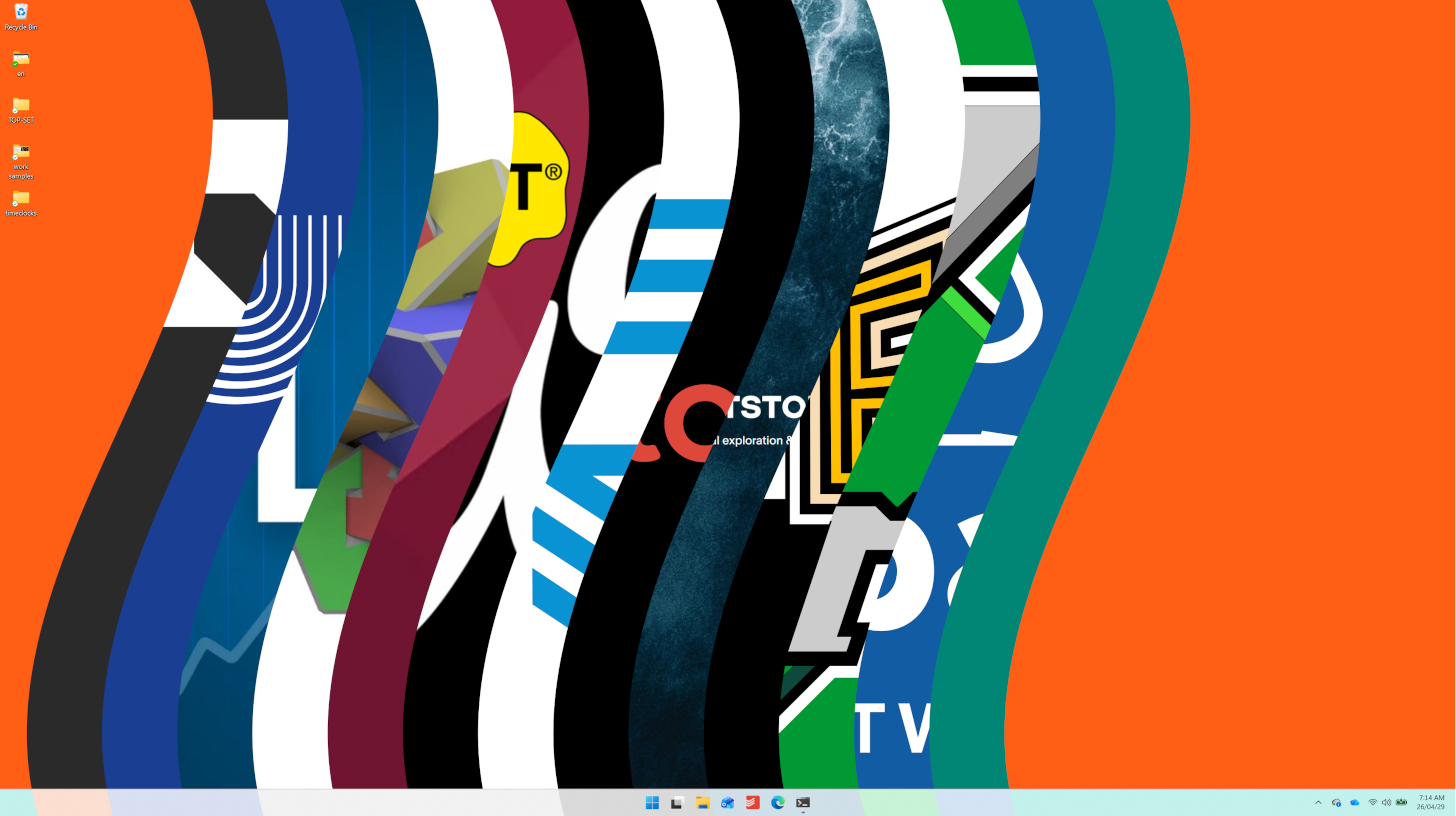
My wallpaper changes for each activity. I have a wallpaper for each client and most activities. When I clock in, I see that client’s wallpaper (this is also a nice touch if I share my screen on a call). If I don’t have a wallpaper for an activity, the screen still turns a nice shade of teal. When I am clocked out of everything, the wallpaper is a glaring “safety orange”, reminding me to get back to something more intentional. I keep my laptop screen empty, so the wallpaper is always visible.
-
No esoteric database format. Everything is stored in human-friendly csv. If something isn’t right, you don’t need to go through a complex interface to straighten it out.
Because a man never gets anywhere if fact and his ledgers dont square.